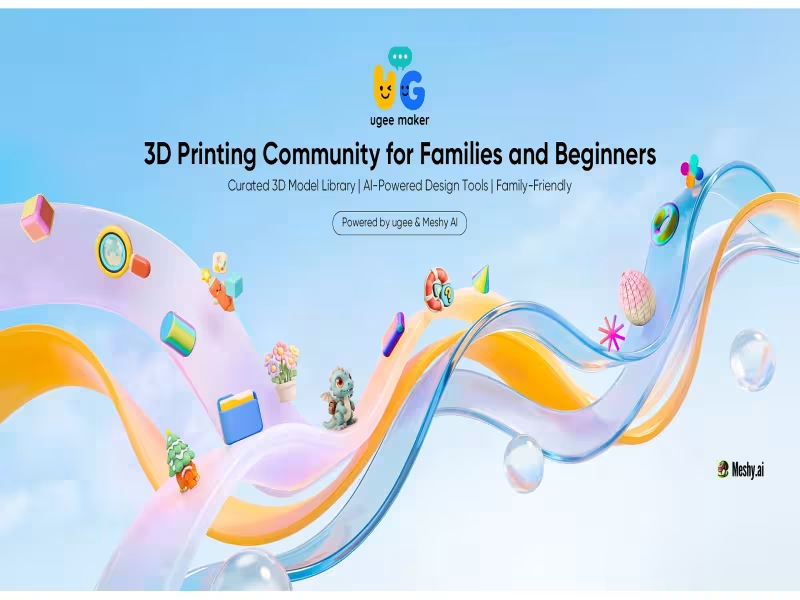
Hong Kong – October 12, 2026 -- ugee has launched ugee maker, a moderated, kid-friendly 3D printing community for families and beginners, and anyone who signs up for an account is entered into a $1,000 prize giveaway.
The platform targets what ugee describes as a gap in the market. Beginners currently choose between technical communities with little safety guidance for young users and family-friendly platforms that require buying a specific brand's hardware. ugee maker offers a third option for parents, kids and newcomers.
Every official model is pre-tested for reliable printing
Failed prints caused by faulty files are a major source of frustration for novices. ugee says each official file is pre-tested and validated to print reliably on virtually all consumer-grade 3D printers. All designs come in universal STL format.
The library rests on three pillars: Seed Builds (officially tuned and validated models), User Model Uploads, and Artist Models made with professional artists. Official releases arrive weekly, covering interactive playsets, seasonal projects and STEM-focused models. Unlike large public repositories, the library is strictly moderated and kid-safe, according to ugee.
Users can print from the ugee ufun app on the Funbox
Users browse models on ugee maker, download them to the ugee ufun app and print them on the ugee Funbox 3D printer. ugee says the ufun app has already built a sizable community of families and young makers worldwide.
CreateLab turns children's drawings into printable 3D files
CreateLab is a gamified design tool that requires no prior CAD or 3D modeling experience. Its "AI Magic" feature, built on a partnership with generative 3D platform Meshy AI, converts uploaded sketches of dinosaurs, monsters or spaceships into print-ready 3D model files.
The "Fun Playground" mode uses a modular drag-and-drop interface to assemble and personalize ready-made models. In the "Garden World" theme, kids place flowers to design a garden, which ugee says helps them grasp 3D coordinate space and volume.
The interface uses emojis and preset comments for young users
The platform features playful UI design, colorful banners and intuitive icons. Preset text options and emojis let kids and parents comment with minimal typing. First-time users get an onboarding guide and a support center with tutorials, technical Q&A and FAQs.
A forum, rewards and print challenges are on the roadmap
Planned additions include more design tools in CreateLab, an interactive "Maker Square," a technical Q&A forum, a points-and-rewards system for uploads, and recurring 3D printing challenges with prizes.